
Reach the right participants
Use Contacts, segments, topics, and properties to invite the right audience into a study.
Use Contacts when the quality of the audience matters as much as the study design.
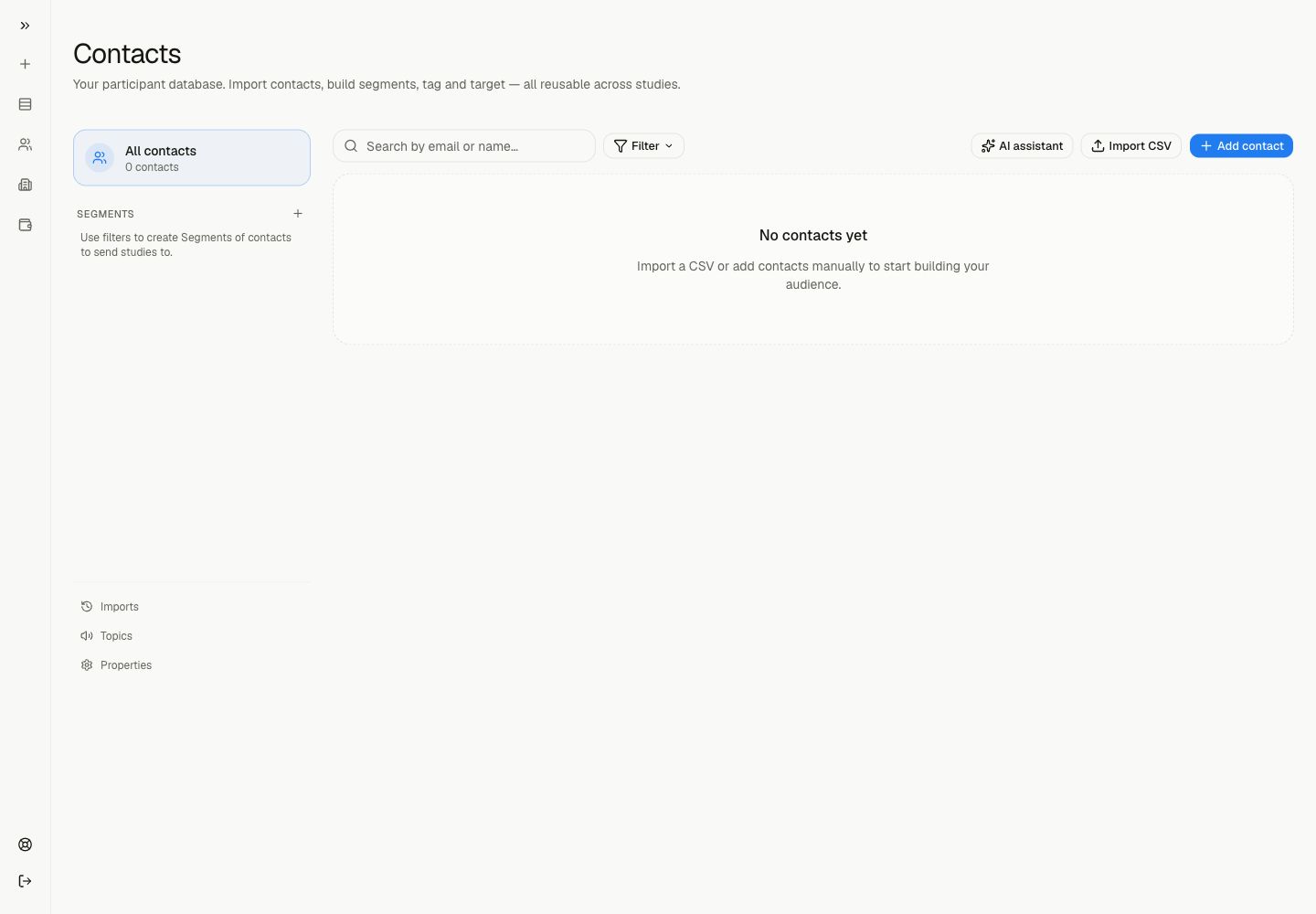
Contacts is the participant database for your workspace. It helps you import people, add contacts manually, build segments, define subscription topics, and store custom properties for targeting.
A good study is not only well written. It reaches people who can answer from real experience.
Common Audience Jobs
Build a study audience
Use segments when participants should match a role, customer type, property, or topic.
Import a list
Bring contacts from CSV, TSV, spreadsheet files, or another system.
Add one person
Create a contact manually when you only need to add a small number of participants.
Store targeting data
Use properties for role, account type, lifecycle stage, region, or any other segmenting attribute.
Contacts vs participants
A contact is a person stored in your workspace database.
A participant is a person who completes a study session.
The same contact can be invited to multiple studies.
Topics And Properties
Use Topics for subscription categories participants can opt in or out of. Use Properties for structured attributes you control, such as role, plan, company size, renewal date, or customer tier.
Next step
Read Segments if you already know which audience the study should target.