
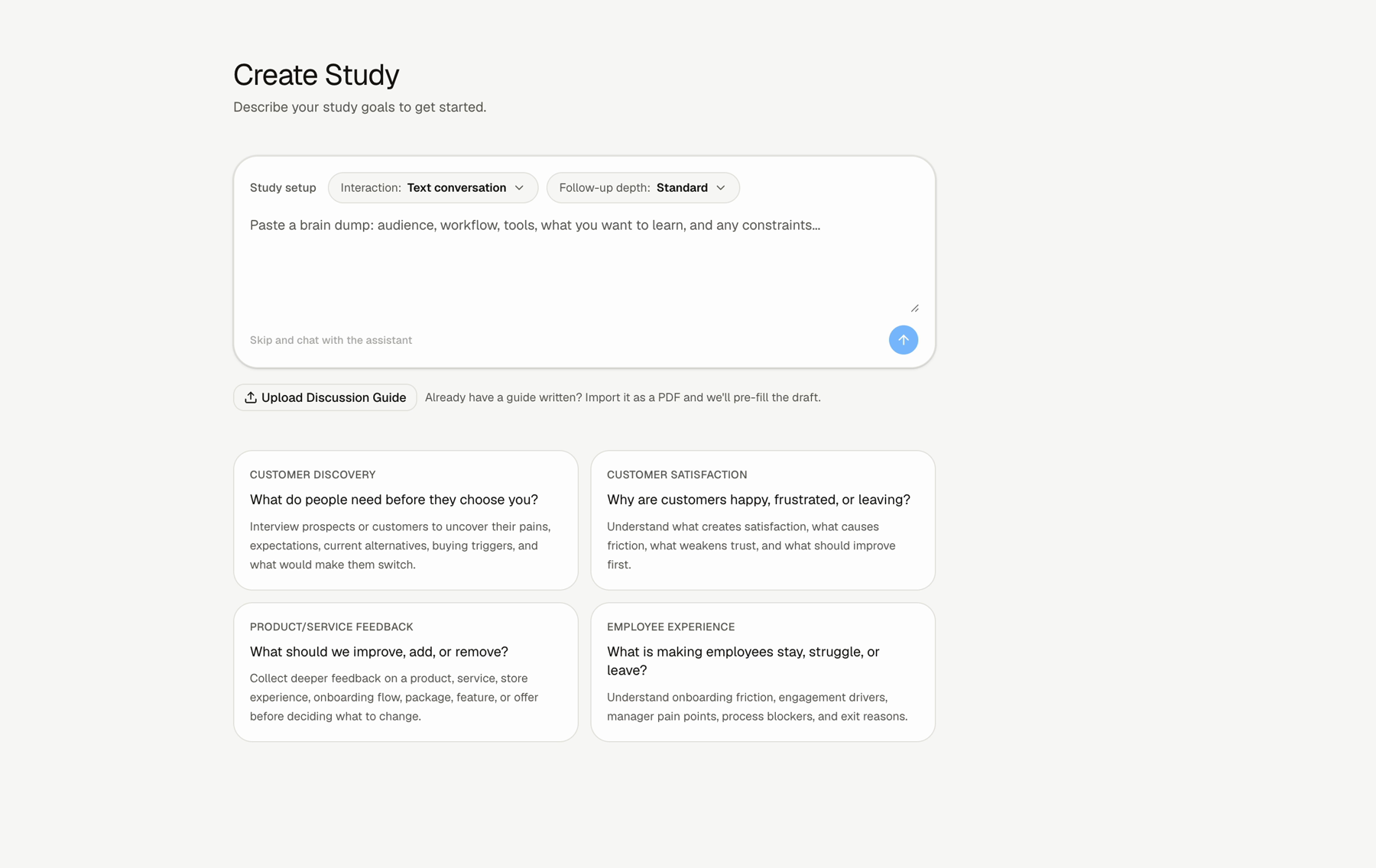
Use these guides when you are setting up a study. Start with Smart Builder if you have a rough goal. Use the focused guides when you need to adjust format, depth, questions, templates, or testing.
Articles
How do I create a study with Smart Builder?
Describe what you want to learn and let Lemma draft the study.
How do I choose text or voice?
Pick the right participant experience for the study.
How do I use follow-up depth?
Choose Quick pulse, Standard interview, or Deep dive.
How do I edit questions and follow-up instructions?
Review starter questions, AI follow-up toggles, depth, and instructions.
How do I use templates?
Start from a common study workflow instead of a blank page.
How do I test a study before using it?
Use Test Interview or Review before collecting real responses.
Recommended Order
Step 1: Start with Smart Builder or a template
Use Smart Builder for a rough goal. Use a template when the study matches a common workflow.
Step 2: Choose text or voice
Pick the participant experience before reviewing the questions.
Step 3: Set follow-up depth
Choose how much Lemma should probe after initial answers.
Step 4: Review the questions
Edit starter questions and add follow-up instructions where needed.
Step 5: Test the study
Use Test Interview or Review before using the study with participants.
FAQs & Common Issues
Do I need to write all questions first?
No. You can start with a rough goal in Smart Builder.
Can I use an existing discussion guide?
Yes. Use Upload Discussion Guide from the New Study screen.
What should I review before using the study?
Review the generated context, questions, follow-up settings, key terms, welcome message, and closing message.