
Follow-up depth controls how much Lemma should ask after a participant gives an initial answer.
How To Choose Follow-Up Depth
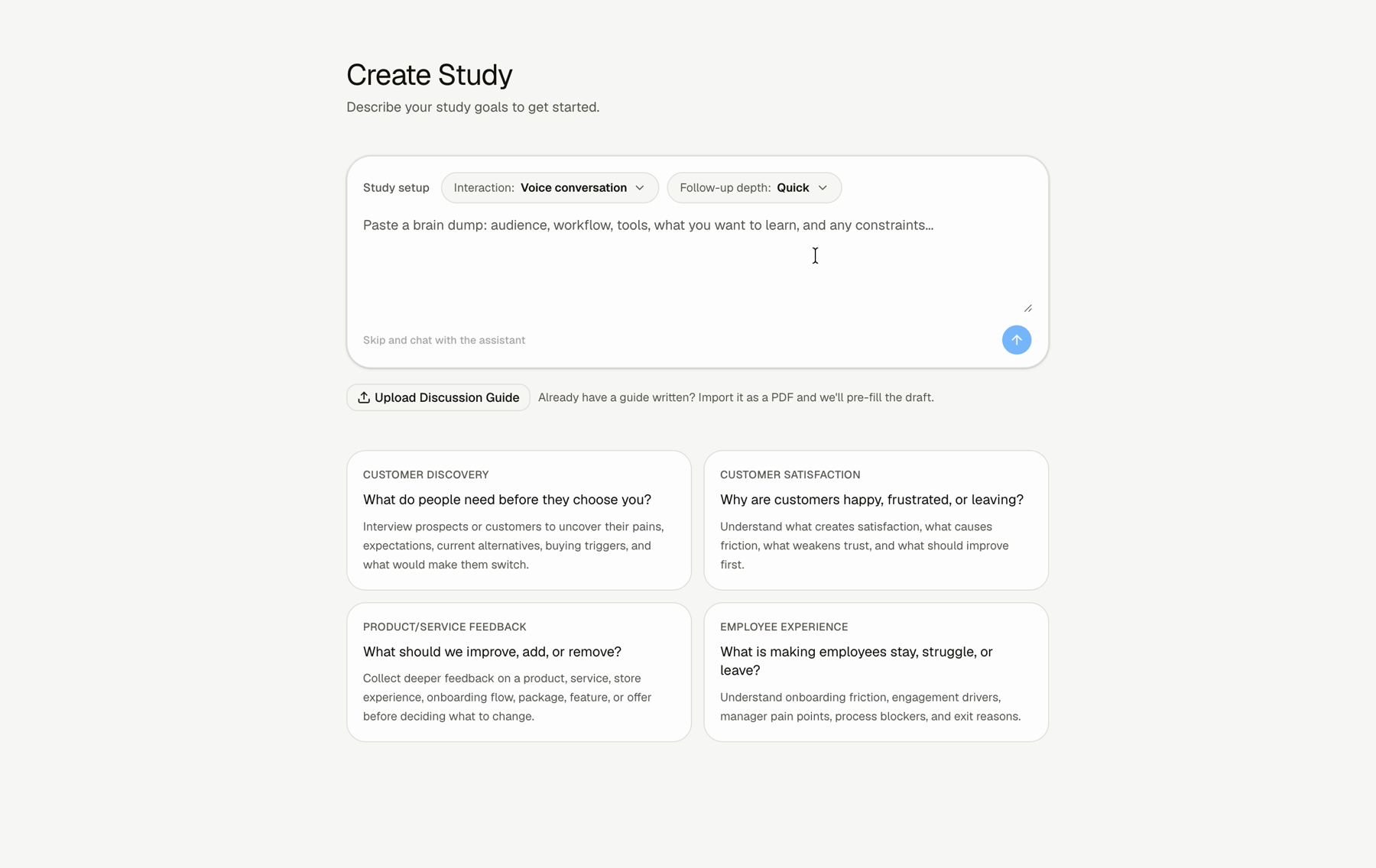
Step 1: Open the follow-up depth menu
Use the Follow-up depth control when creating the study.
Step 2: Choose the study depth
Choose Quick pulse, Standard interview, or Deep dive.
Step 3: Review the generated questions
After Lemma drafts the study, check whether the number and depth of questions fit the goal.
What Each Depth Means
Use this for a fast signal. It is designed for fewer questions and minimal follow-ups.
Use this for most studies. It balances useful probing with a reasonable participant experience.
Use this when the study needs richer probing and more detail.
FAQs & Common Issues
Should I always choose Deep dive?
No. Use Deep dive only when the study needs more detail. More depth can make the experience longer.
Can I control follow-ups per question?
Yes. In the question editor, you can use the AI follow-up toggle, choose follow-up depth, and add follow-up instructions.
What depth should I use for a first study?
Use Standard interview unless you already know the study should be very short or very deep.